Using Java 1.4? Can't Use Webtools in Eclipse Ganymede?

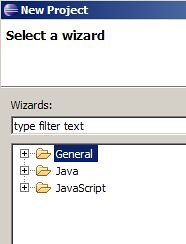
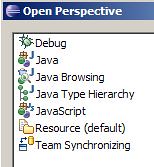
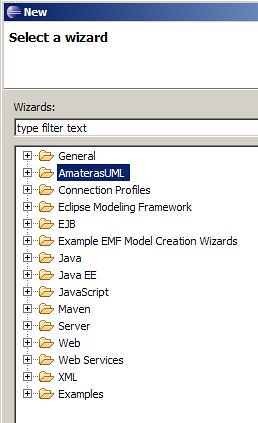
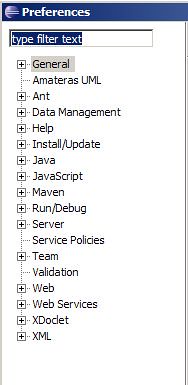
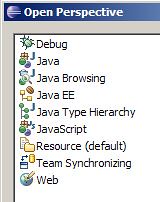
At our new client, we still use Java 1.4 and I found that there is a problem installing Web tools in Eclipse 3.4 (Ganymede). The P2 Installer shows WST is installed, but I cannot see Server profiles, J2EE perspective, anything related to it.

Here is what I installed, as shown in P2
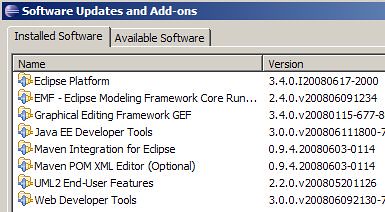

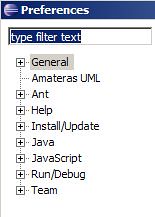
But I cannot see J2EE related stuff in Perspectives, Preferences or New windows

To resolve this, I installed a private 1.6 JRE. Started Eclipse with
eclipse -vm c:\java\jre1.6\bin\javaw

And it works!

Popular posts from this blog

Powered By

As it goes, We ought to give thanks to people who power us. This page will be updated, like the version page , to show all the tools, and people this site is Powered By! Ubuntu GIMP Firebug Blogger Google [AppEngine, Ajax and other Apis] AddtoAny Project Fondue jQuery

How to Make a Local (Offline) Repository in Ubuntu / Debian

If you are in a place where you dont have internet (or have a bad one) You want to download .deb packages and install them offline. Each deb file is packaged as a seperate unit but may contain dependencies (recursively). apt-get automagically solves all the dependencies and installs all that are necessary. Manually install deb files one by one resolving each dependency would be tedious. A better approach is to make your own local repository. Before you actually make a repo, You need *all* deb files. You dont practically have to mirror all of the packages from the internet, but enough to resolve all dependencies. Also, You have to make sure, you are getting debs of the correct architecture of your system (i386 etc) # 1. make a dir accessible (atleast by root) sudo mkdir /var/my-local-repo # 2. copy all the deb files to this directory. # 3. make the directory as a sudo dpkg-scanpackages /var/my-local-repo /dev/null > \ /var/my-local-repo/Packages # 4. add the local repo to sour...

classpath*: making your Modular Spring Resources

Spring gives multiple options to load XML resources for building contexts. the reference documentation does explain this feature quite well. However, I am taking my shot at explaining the different practical scenarios ( by order of growing modularisation) For Example, A simplest Spring based web Context Loader can be configured with resources like this <context-param> <param-name>contextConfigLocation</param-name> <param-value>applicationContext.xml</param-value> </context-param> <listener> <listener-class>org.springframework.web.context.ContextLoaderListener</listener-class> </listener> You just need to put applicationContext.xml in WEB-INF/ folder of your webapp. However, Typically an application is n-tiered. You can also have multiple files setup and in relative paths. like <param-value> context-files/applicationContext.xml context-files/dao.xml context-files/service.xml </param-value> ...